

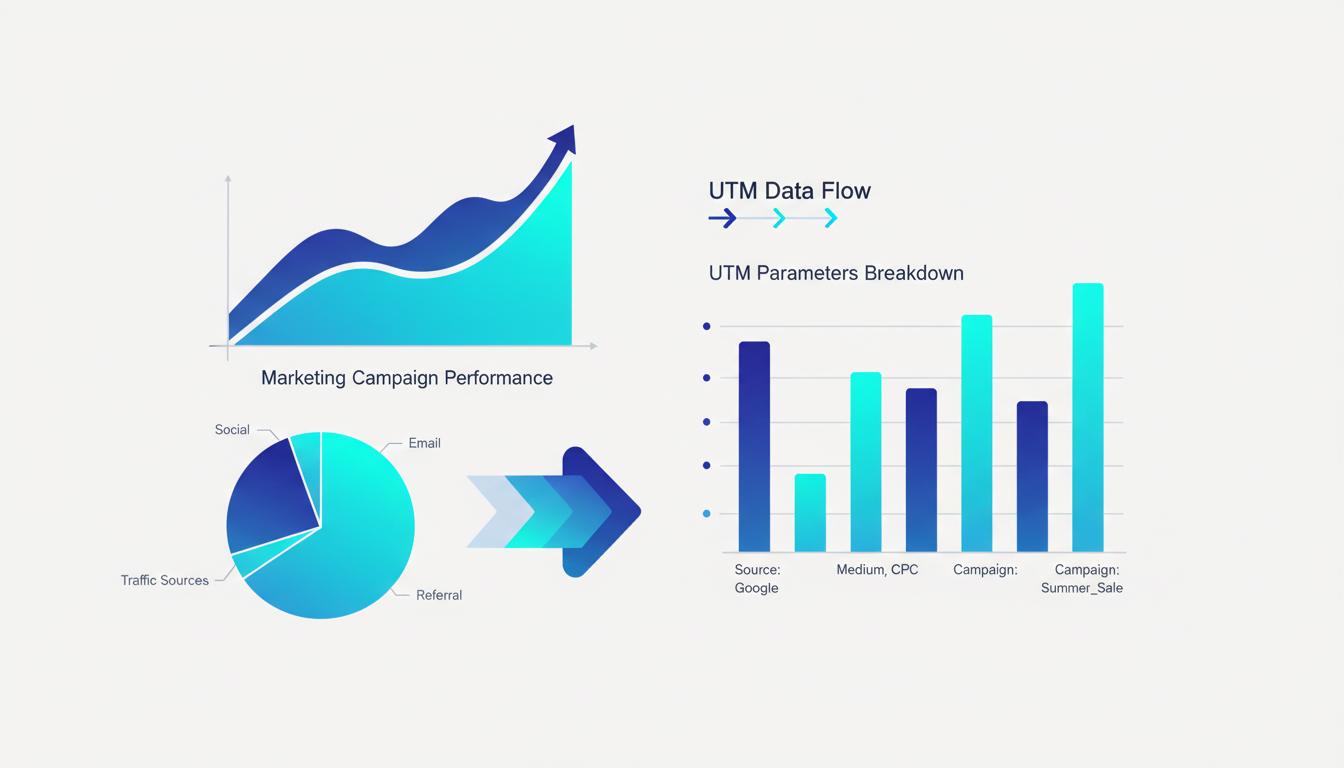
Most marketers know their ad spend. Few know their actual return. The gap between "we spent �5,000 on campaigns" and "we earned �18,000 from campaigns" is bridged by one thing: (tip: once you have your revenue and cost figures from GA4, you can calculate your exact ROI with Feexio's free marketing calculator) proper link tracking with UTM parameters. Once you set up this system correctly, you can attribute revenue to specific campaigns, channels, and even individual ads�and make every future marketing decision with real evidence.
Marketing Attribution Basics
Attribution is the practice of assigning credit to the marketing touchpoints that led to a conversion. It answers the fundamental question: which marketing activity caused this sale or lead?
Without attribution, you are flying blind. You might be investing heavily in a channel that generates zero revenue while ignoring a high-converting channel simply because you cannot see the data. UTM parameters are the foundation of attribution because they tag every click with the source, medium, and campaign that drove it�creating a data trail from your marketing activity all the way to the conversion event.
For any business spending money on marketing, building a UTM-based attribution system is not optional�it is a basic operational requirement. The good news is that setting it up properly takes just a few hours and pays dividends indefinitely.
Setting Up UTM Tracking for ROI Measurement
The foundation is consistent UTM tagging across all marketing links. Every link you share in an ad, email, social post, or influencer campaign should carry UTM parameters. Here is the minimum required setup:
utm_source: Where the click originates. Use clear values like google, facebook, newsletter, instagram, partner_site.
utm_medium: The channel type. Use paid_search, paid_social, email, organic_social, affiliate, display.
utm_campaign: The specific campaign. Include a date reference for time-based analysis: summer_promo_jun2026.
Document your naming conventions in a shared spreadsheet that every team member can access. Inconsistent naming�one person using "Email" and another using "email" and another using "e-mail"�breaks your reports by splitting the same data into multiple rows.
Calculating ROI from Link Tracking Data
Once UTM-tagged links are in place and Google Analytics is recording conversions with their associated campaign data, calculating ROI becomes straightforward.
The basic ROI formula is: ROI = (Revenue from Campaign - Cost of Campaign) � Cost of Campaign � 100
For example, if you spent �2,000 on a Facebook campaign tagged with utm_campaign=spring_sale_2026 and Google Analytics shows that campaign drove 45 conversions worth �6,750 in revenue, your ROI is (6,750 - 2,000) � 2,000 � 100 = 237.5%.
In Google Analytics 4, find the revenue data for each campaign under Reports ? Monetization ? Ecommerce Purchases, then filter by session campaign to isolate specific UTM campaigns. Cross-reference this with your ad spend data from the platform (Meta, Google Ads, etc.) to calculate ROI per campaign.
Multi-Touch Attribution Models
Simple last-click attribution gives 100% of the credit to the final touchpoint before conversion. This is the default in most analytics tools, but it often misrepresents reality. A customer might see your Instagram ad three times, click a retargeting banner, open an email, and then finally convert via a Google search. Last-click gives all credit to Google, ignoring every other touchpoint that built awareness and intent.
Multi-touch attribution distributes credit across all touchpoints in a customer's journey. Common models include linear attribution (equal credit to every touch), time-decay (more credit to recent touchpoints), and position-based attribution (40% to first and last touch, 20% distributed across middle touches).
GA4 now offers data-driven attribution by default, which uses machine learning to assign fractional credit based on actual conversion path data. To take advantage of this, you need UTMs on every channel so GA4 can see the full journey. Without tags, the middle touchpoints are invisible and attribution is incomplete.
Tools and Platforms for ROI Tracking
Google Analytics 4 is the core tool for most small to mid-sized businesses. Its Exploration feature lets you build custom reports that combine UTM dimensions with revenue metrics, giving you flexible ROI views without additional cost.
For teams needing more sophisticated attribution, Looker Studio (formerly Google Data Studio) connects to GA4, Google Ads, and Meta Ads simultaneously. You can build unified dashboards showing spend and revenue side by side, with UTM campaign as the shared dimension. This eliminates the need to manually combine data from different platforms in spreadsheets.
Dedicated attribution platforms like Northbeam, Triple Whale, or Rockerbox offer more advanced multi-touch modeling and are popular with e-commerce brands running significant ad budgets. These platforms ingest UTM data along with platform APIs to provide blended attribution models.
Creating ROI Dashboards
A good ROI dashboard shows, for each marketing campaign or channel: total spend, sessions driven, conversions, revenue, and calculated ROI�all updated automatically.
Build this in Looker Studio by connecting Google Analytics 4 and your ad platforms as data sources. Create scorecards for total spend and total revenue, a bar chart showing ROI by utm_campaign, and a time-series chart showing revenue trends by utm_source. Add filters for date range and utm_medium so you can quickly slice the data.
Review this dashboard weekly. Look for campaigns with declining ROI�these are candidates for optimization or shutdown. Look for underinvested high-ROI channels�these deserve more budget. The dashboard turns your UTM tracking investment into actionable decisions every week.
A Real-World Example
A small online clothing store runs three campaigns simultaneously: Google Search ads, Instagram Stories ads, and a monthly newsletter. All links are properly UTM-tagged. After 30 days, their GA4 data shows the newsletter drove 120 conversions worth �9,600 with zero ad spend (ROI is effectively infinite), the Instagram Stories campaign drove 60 conversions worth �4,200 on �1,800 spend (ROI: 133%), and Google Search drove 40 conversions worth �2,800 on �1,200 spend (ROI: 133%).
Without UTM tracking, they would see "190 conversions this month" and have no idea what drove them. With UTM tracking, they know to invest more in growing their email list and can make informed decisions about scaling each paid channel. The same data, organized by UTM campaign, transforms guesswork into strategy.
Start Tracking Your Campaigns Today
Build perfectly formatted UTM links for every campaign with our free UTM Builder tool.
Explore Our Tools ?