

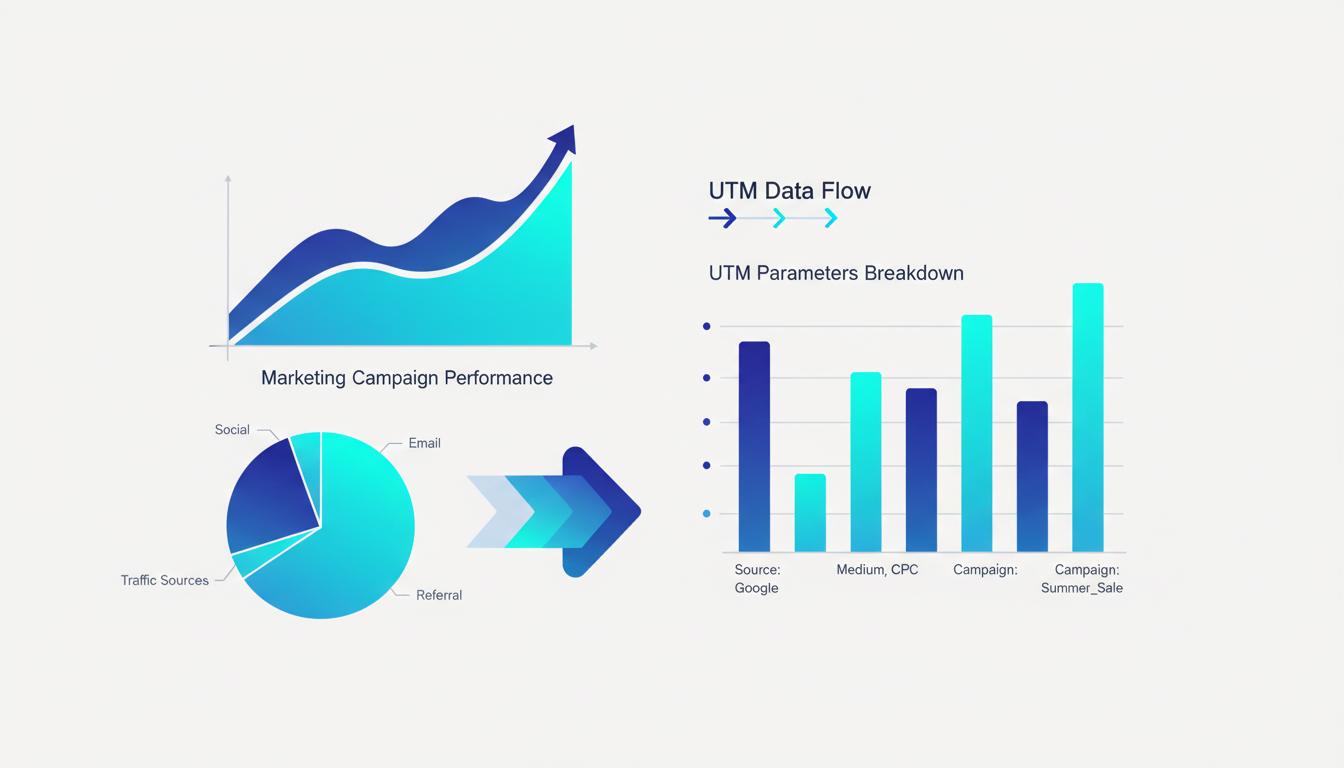
UTM parameters are five query string tags you append to any URL to tell Google Analytics exactly where your traffic came from. This cheat sheet covers every parameter, the exact values to use, and the most common patterns for email, social, ads, and more — so you can start tracking campaigns correctly today.
The Five UTM Parameters
utm_source (required)
Identifies who sent the traffic. Think of it as the publisher or the platform.
utm_source=google— Paid search on Googleutm_source=facebook— Paid or organic traffic from Facebookutm_source=newsletter— Your own email newsletterutm_source=instagram— Instagram (distinguish from Facebook in reports)utm_source=partner— A partner site or referral program
utm_medium (required)
Identifies the marketing channel or type of traffic. Think of it as how the link was distributed.
utm_medium=cpc— Cost-per-click paid advertising (Google Ads, Meta Ads)utm_medium=email— Any email campaignutm_medium=social— Organic social media postsutm_medium=referral— Links from other websitesutm_medium=display— Banner or display advertisingutm_medium=affiliate— Affiliate partner links
utm_campaign (required)
The name of the specific campaign, promotion, or initiative. Use something you'll recognize in reports six months from now.
utm_campaign=summer_sale_2026utm_campaign=product_launch_juneutm_campaign=weekly_newsletterutm_campaign=brand_awareness_q2
utm_term (optional)
Used for paid search campaigns to identify the keyword that triggered the ad. Generally auto-populated by Google Ads when you enable auto-tagging, but can be set manually:
utm_term=whatsapp+link+generatorutm_term=free+qr+code+maker
utm_content (optional)
Differentiates between multiple links within the same campaign. Useful for A/B testing ad creatives or email button placement:
utm_content=hero_bannervsutm_content=sidebar_adutm_content=blue_cta_buttonvsutm_content=orange_cta_buttonutm_content=text_linkvsutm_content=image_link
UTM Naming Conventions (Follow These or Reports Get Messy)
- Always lowercase — Google Analytics treats
Facebookandfacebookas two different sources. Pick lowercase and stick with it. - Use underscores, not spaces — Spaces become
%20in URLs and make reports hard to read. Usesummer_salenotsummer sale. - No special characters — Avoid
&,?,#in UTM values. These break the URL parsing. - Be consistent across campaigns — If you used
utm_source=newsletterlast quarter, don't switch toemail_listthis quarter. - Document your conventions — Keep a shared spreadsheet with approved values for each parameter. New team members will thank you.
Common Campaign Templates
Email Newsletter
https://yoursite.com/offer?utm_source=newsletter&utm_medium=email&utm_campaign=april_digest&utm_content=hero_cta
Google Ads
https://yoursite.com/landing?utm_source=google&utm_medium=cpc&utm_campaign=brand_search_q2&utm_term={{keyword}}
Note: Google Ads uses {{keyword}} as a dynamic insertion placeholder — it gets replaced by the actual search term automatically.
Facebook / Instagram Paid Ad
https://yoursite.com/product?utm_source=facebook&utm_medium=cpc&utm_campaign=summer_sale&utm_content=video_ad_v1
LinkedIn Organic Post
https://yoursite.com/blog/guide?utm_source=linkedin&utm_medium=social&utm_campaign=content_marketing&utm_content=article_share
Partner or Affiliate Link
https://yoursite.com/?utm_source=partnersite&utm_medium=referral&utm_campaign=collab_april2026
Building UTM Links Quickly
Building links manually is error-prone — one typo in a parameter name breaks your tracking silently. Use our UTM Builder to assemble links in seconds: enter your base URL and campaign values, and get a clean, properly formatted UTM URL ready to copy.
What to Do With UTM Data in Google Analytics
Once your UTM links are live, view campaign performance in Google Analytics under Acquisition → Campaigns → All Campaigns (GA3) or Reports → Acquisition → Traffic acquisition (GA4). You'll see sessions, conversions, and revenue broken out by source, medium, and campaign name.
Common Mistakes
- Forgetting internal links — Never add UTM parameters to internal links (links within your own site). They overwrite the original traffic source in Analytics, making your data wrong.
- UTMs on social bios — A link in your Instagram bio is organic traffic (
utm_medium=social), not paid. Don't tag it as CPC. - Reusing campaign names — Using the same
utm_campaignvalue across different time periods makes historical comparison impossible.
Conclusion
UTM parameters are the foundation of attribution — knowing which campaigns, channels, and creatives actually drive conversions. Use the templates above as a starting point, establish your naming convention in a shared document, and build every external link through a UTM builder to catch errors before they cost you data.
Build your UTM links without typos
Use our free UTM Builder to assemble properly formatted campaign URLs in seconds — no copy-paste errors.
Open UTM BuilderFrequently Asked Questions
Which UTM parameters are required and which are optional?
Google Analytics recommends three parameters as the minimum for meaningful data: utm_source (where the traffic comes from — e.g., 'newsletter', 'facebook'), utm_medium (the marketing channel — e.g., 'email', 'cpc', 'social'), and utm_campaign (the specific campaign name or ID). These three are effectively required if you want your data to appear in the Acquisition → Traffic Acquisition report correctly. The remaining two — utm_term (for paid search keywords) and utm_content (for A/B testing creative variations or multiple links in the same email) — are optional and only used in specific scenarios. Omitting them does not break tracking; including unnecessary ones just adds noise.
Should UTM parameter values be in uppercase, lowercase, or does it not matter?
It matters significantly. Google Analytics 4 is case-sensitive for UTM parameter values, so 'Facebook' and 'facebook' and 'FACEBOOK' will appear as three separate traffic sources in your reports, fragmenting your data and making it impossible to get an accurate total. The universal best practice is to use all lowercase with hyphens instead of spaces (e.g., 'paid-social' instead of 'Paid Social'). Establish a naming convention before your first campaign, write it down, and share it with everyone who creates links. Many teams maintain a shared spreadsheet with approved values for each parameter to prevent inconsistencies from creeping in over time.
How many UTM parameters can I add to one URL, and is there a length limit?
There are only five standard UTM parameters and you can use all five simultaneously. There is no technical limit on the total URL length imposed by UTM tracking itself, but browsers and servers have practical limits — most modern browsers support URLs up to 2,048 characters, and most web servers handle at least 8,000 characters. In practice, a URL with all five UTM parameters will rarely exceed 300–400 characters. If your campaign name or content label is very long, abbreviate it. The bigger risk is not URL length but parameter value complexity: long, inconsistent, or poorly named values make reports difficult to read and filter.