

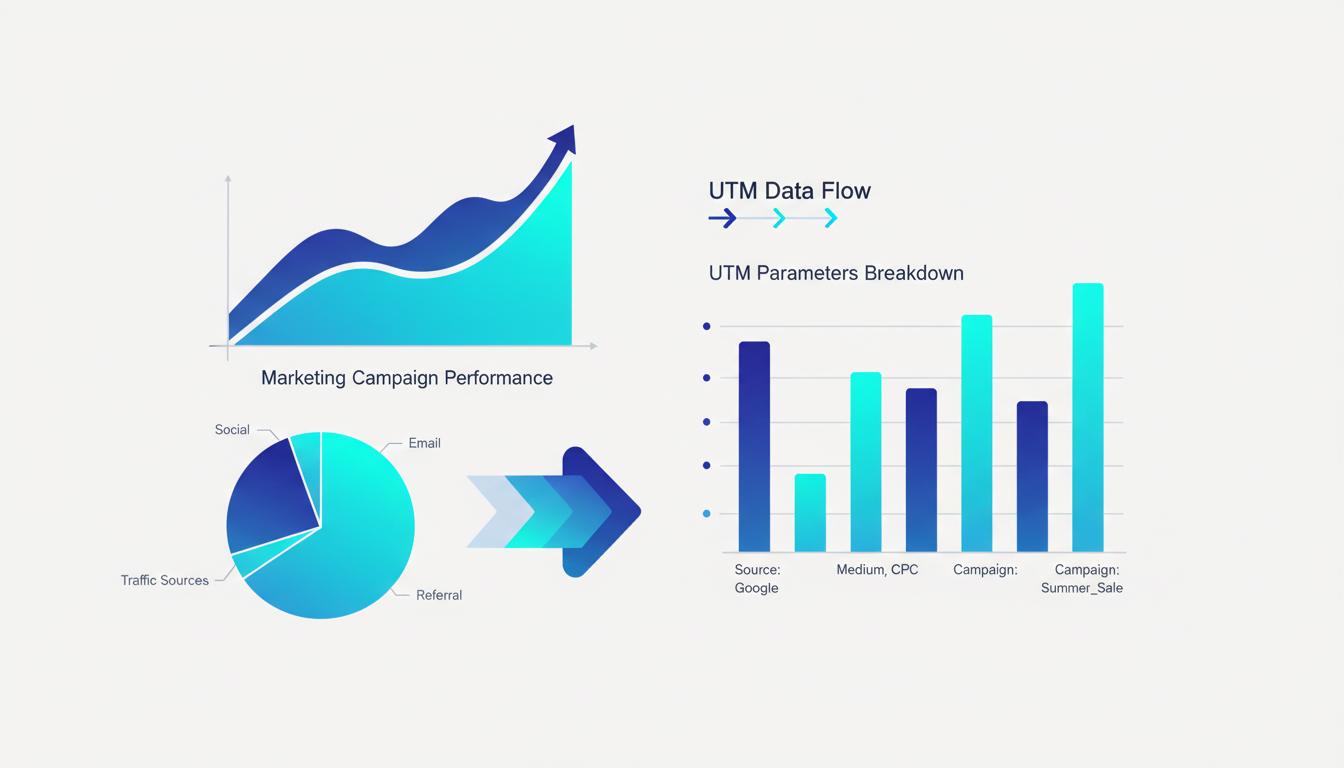
Email marketing consistently delivers among the highest ROI of any marketing channel — and to quickly calculate that ROI as a percentage using Feexio's free calculator�but only if you can actually measure that ROI. Without UTM parameters on your email links, your email-driven website traffic either disappears into "Direct" in Google Analytics or gets misattributed to other sources. Setting up proper UTM tracking for email campaigns takes less than an hour and transforms your reporting from guesswork to precise attribution.
Why Email Tracking Requires UTMs
Unlike paid ads where platforms pass click data automatically, email clicks arrive at your website without any inherent source identification. When someone clicks a link in your newsletter and lands on your site, Google Analytics sees a direct visit�as if the person typed your URL manually�unless you have tagged that link with UTM parameters.
This creates a systematic under-reporting problem for email marketing. High-performing email campaigns appear to generate no traffic, which makes email look less valuable than it actually is. Marketers who cannot demonstrate email's contribution to revenue struggle to justify their email marketing investment or budget for list growth.
UTM parameters solve this completely. Every link in your email�CTAs, product links, navigation links, unsubscribe links if relevant�carries source data that tells Google Analytics exactly where that visitor came from. With proper UTM tagging, your email channel appears clearly in analytics reports with accurate session counts, conversion rates, and revenue attribution.
Standard UTM Values for Email Marketing
The email marketing industry has widely adopted certain conventions for UTM parameter values. Sticking to these makes your data comparable across tools and consistent if you switch email platforms in the future.
utm_source: Use newsletter for regular email newsletters, or the name of your email platform if you prefer: mailchimp, klaviyo, activecampaign. Some teams use email as a catch-all source, but this makes it harder to distinguish newsletters from transactional emails from automated flows.
utm_medium: Always use email. This is the standard medium value for all email traffic and keeps email consolidated as a single medium in your reports, allowing easy medium-level comparison against paid social, organic search, and other channels.
utm_campaign: Name your specific email campaign. Include the type and date: weekly_newsletter_mar2026, welcome_series_email1, black_friday_promo_nov2026. Specificity here is what enables comparison between campaigns.
utm_content: Use this to distinguish between different links within the same email. If your newsletter has three CTAs pointing to different pages, tag each with a different content value: cta_hero_button, cta_product_link, cta_footer_link. This tells you which in-email elements drive the most clicks.
Setting Up UTMs Across Email Campaign Types
Different email types need different UTM strategies. Here is how to approach the most common email campaign categories.
Regular newsletters: Tag every link in every email. Use the newsletter send date or issue number in utm_campaign. Use utm_content to identify each link. In most email platforms, you can set default UTM values at the campaign level and override at the link level.
Automated welcome series: These emails go out in sequence over days or weeks. Tag each email in the sequence with a distinct campaign value: welcome_series_day1, welcome_series_day3, welcome_series_day7. This lets you see which emails in the sequence drive the most conversions�invaluable for optimization.
Promotional emails: Use the promotion name and date in utm_campaign. If you run multiple promotional emails for the same campaign (teaser, launch, reminder, last chance), distinguish them with a sequence indicator: summer_sale_email1_teaser, summer_sale_email2_launch.
Transactional emails: Order confirmations, shipping notifications, and password resets are typically not tagged because they are sent in response to user actions rather than as marketing. However, if these emails contain promotional content or upsell links, those specific links should be tagged with utm_source=transactional_email.
Automating UTM Tagging in Email Platforms
Most modern email marketing platforms offer built-in UTM auto-tagging, which automatically appends UTM parameters to all links in your campaigns. Here is how the major platforms handle this:
Mailchimp: Go to Account ? Tracking and enable Google Analytics link tracking. Mailchimp will automatically append utm_source=mailchimp, utm_medium=email, and utm_campaign=[campaign-name] to all links. You can also add custom parameters at the campaign level.
Klaviyo: In the campaign creation flow, look for the "UTM Tracking" section. Enable it and configure source, medium, and campaign values. Klaviyo also supports dynamic UTM values using properties from subscriber profiles for advanced personalization.
ActiveCampaign: Go to Settings ? Tracking ? Google Analytics. Enable tracking and configure your default UTM values. These apply to all campaigns globally, with the option to override at the campaign level.
Even with auto-tagging enabled, always verify your UTMs are appearing correctly by sending a test email, clicking through to your site, and checking real-time reports in GA4 to confirm the traffic is being attributed correctly.
Interpreting Email Data in Google Analytics 4
Once your UTM-tagged email links are driving traffic, here is where to find and use the data in GA4.
Navigate to Reports ? Acquisition ? Traffic Acquisition and filter by session medium = email. This shows you total email traffic, sessions, engagement rate, and conversions at the medium level. To break it down by campaign, change the primary dimension to "Session campaign."
To see which specific links within emails drive the most conversions, use the Exploration feature. Build a free-form report with utm_content as a dimension and conversions as a metric. This tells you whether the hero CTA or the footer link in your newsletter is actually driving results�allowing precise optimization of your email layout and content hierarchy.
Build Email UTM Links in Seconds
Use our free UTM Builder to create perfectly formatted tracking links for all your email campaigns.
Explore Our Tools ?